- Author
- app-hacks
- Published
- Updated
- Reviewed
WCAG / Accessibility / CSS
Calculate Color Contrast Ratios Under WCAG
Use the color contrast checker implementation to understand relative luminance, WCAG thresholds, and boundary cases.
Calculate Color Contrast Ratios Under WCAG
Color combinations should not be judged only by a screen’s brightness or a designer’s impression. A WCAG contrast ratio uses the relative luminance of two colors to provide a consistent reading-aid check. You can test a pair directly with the Color Code Contrast Checker.
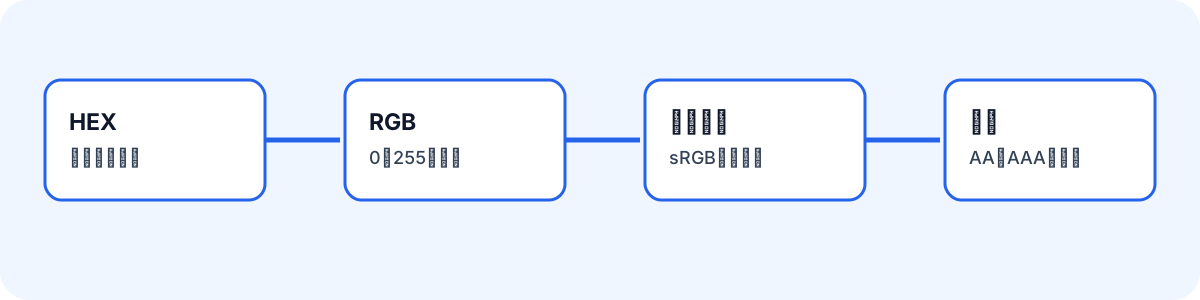
Normalize HEX Input
Accept either three- or six-digit HEX input, expand three-digit values, and normalize casing before calculation.
const HEX_PATTERN = /^#?([\da-f]{3}|[\da-f]{6})$/i;

function expandHex(source: string) {
  return source.length === 3
    ? [...source].map((part) => part + part).join('')
    : source;
}
Report malformed input before attempting a ratio. Do not treat an invalid color as a zero ratio.
Convert sRGB to Relative Luminance
Raw RGB channels cannot be added directly as brightness. Linearize each sRGB channel, then apply the red, green, and blue weights.
function linearize(channel: number): number {
  const srgb = channel / 255;
  return srgb <= 0.04045
    ? srgb / 12.92
    : ((srgb + 0.055) / 1.055) ** 2.4;
}

function relativeLuminance({ r, g, b }: Rgb): number {
  return 0.2126 * linearize(r)
    + 0.7152 * linearize(g)
    + 0.0722 * linearize(b);
}
Use that luminance for the ratio while displaying user-facing HEX, RGB, or HSL values separately.
Calculate the Ratio in Brightness Order
Sort the two luminance values so the input order cannot affect the result.
function contrastRatio(first: Rgb, second: Rgb): number {
  const [lighter, darker] = [
    relativeLuminance(first),
    relativeLuminance(second),
  ].sort((a, b) => b - a);
  return (lighter + 0.05) / (darker + 0.05);
}
Black and white produce 21:1, while identical colors produce 1:1. Test both facts and test that reversing inputs leaves the ratio unchanged.
Apply AA and AAA Thresholds
For normal text, AA requires 4.5:1 and AAA requires 7:1. For large text, AA requires 3:1 and AAA requires 4.5:1. Evaluate pass/fail from the unrounded number. A display rounded to 4.50 must not pass if its actual value is below 4.5.
Check the Real Interface Too
The ratio covers an opaque two-color pair. Transparency, gradients, and text over images need separate review because their background changes by location. A passing ratio also does not prove keyboard access, focus visibility, labels, or heading structure. Use the calculation as one part of an accessibility review, then check the actual text, buttons, links, and error states in the interface.