- Author
- app-hacks
- Published
- Updated
- Reviewed
CSS / Gradients / JavaScript
Design and Implement a CSS Gradient Generator
Design a CSS gradient generator with linear and radial gradients, color stops, CSS output, and copy handling.
Design and Implement a CSS Gradient Generator
Hand-written gradient CSS becomes error-prone when a color is added, a stop moves, or the preview no longer matches the copied declaration. A generator is more reliable when it validates input into one state object and derives both the preview and output from the same logic.
This article covers the structure, validation, and copy behavior for a generator that supports linear, radial, and conic gradients. You can try the settings and inspect the result in the CSS Gradient Generator.
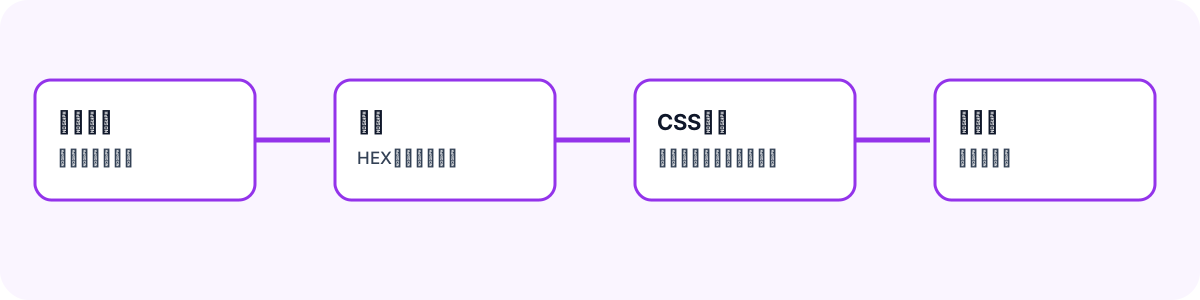
Keep the Input in One State Object
Treat a gradient as one state object instead of handling every field independently. Type, color stops, angles, shapes, and positions can otherwise drift apart when the user changes gradient type. Keep the color and position of every stop together.
type ColorStop = { color: string; position: number };

type GradientOptions = {
  type: 'linear' | 'radial' | 'conic';
  stops: ColorStop[];
  angle: number;
  radialShape: 'circle' | 'ellipse';
  radialPosition: string;
  conicAngle: number;
  conicPosition: string;
};
Separate color and position arrays can lose their relationship when a row is added, removed, or reordered. Limiting the interface to two through five stops also keeps the validation surface manageable.
Generate Preview and Output from One Function
Separate generation paths for preview and copy create mismatches when only one is changed. Build the gradient value once and add background: only for the copied declaration.
function gradientValue(options: GradientOptions) {
  const stops = options.stops
    .map(({ color, position }) => `${color} ${position}%`)
    .join(', ');

  if (options.type === 'radial') {
    return `radial-gradient(${options.radialShape} at ${options.radialPosition}, ${stops})`;
  }
  if (options.type === 'conic') {
    return `conic-gradient(from ${options.conicAngle}deg at ${options.conicPosition}, ${stops})`;
  }
  return `linear-gradient(${options.angle}deg, ${stops})`;
}

function backgroundDeclaration(options: GradientOptions) {
  return `background: ${gradientValue(options)};`;
}
Use gradientValue() for the preview and backgroundDeclaration() for the code field. Color-stop handling then stays the same across all gradient types.
Normalize Before Validation
Normalize HEX input for an optional # and casing, then convert positions and angles to numbers before using them. Keeping the last valid preview while a field is invalid prevents the whole result from disappearing during editing.
Validate that there are two to five stops, every color has an accepted HEX format, positions are unique and from 0 through 100, and angles are from 0 through 360. Sort stops by position before outputting CSS. Equal positions can make a deliberate hard edge, but rejecting them in a basic interface avoids confusing accidental output.
Show the Copy Result
navigator.clipboard.writeText() is the primary copy method, but browser permissions and execution contexts can make it fail. Tell the user in visible text whether copying worked and what to do next if it did not.
async function copyCss(css: string) {
  try {
    await navigator.clipboard.writeText(css);
    return { ok: true, message: 'CSS copied.' };
  } catch {
    return { ok: false, message: 'Copy failed. Select the code and copy it manually.' };
  }
}
Generated CSS and chosen colors are user-created content. If usage is measured, record only the minimum necessary action, such as a copy attempt, and never the generated code itself.
Test the Output
String-returning functions can be tested against explicit inputs and expected declarations. Cover linear, radial, and conic output, reordered stops, boundary values, and invalid HEX input. This protects the output format even when the interface changes.
Gradients are often used behind text, so validate legibility in the final design as well. Valid CSS does not automatically make a color combination readable. Keeping generation, validation, and copying separate makes later changes less risky.